
Mentors and mentees, made official
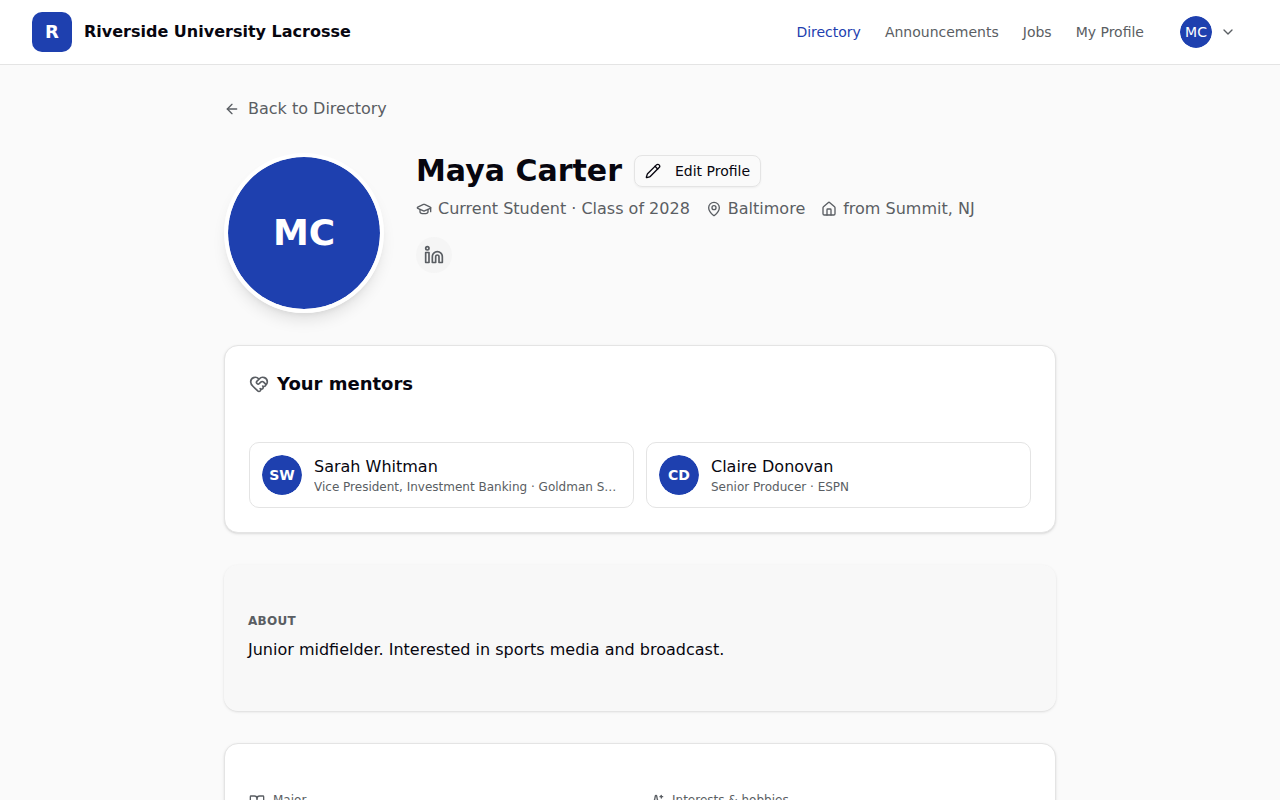
Members can now add each other as mentor or mentee. The other person confirms, and the pair shows at the top of both profiles, so the whole program can see who is helping whom.
Every program already has mentoring going on. A senior texts an alum the night before a final-round interview. A former captain in Chicago takes a sophomore to lunch. It works, and then it disappears. Nobody else knows it happened, so the next player who needs the same help starts from zero, and the alum who spent an hour helping never gets the credit.
We wanted the mentoring that is already happening to be visible, without turning it into a program that somebody has to run.
What changed
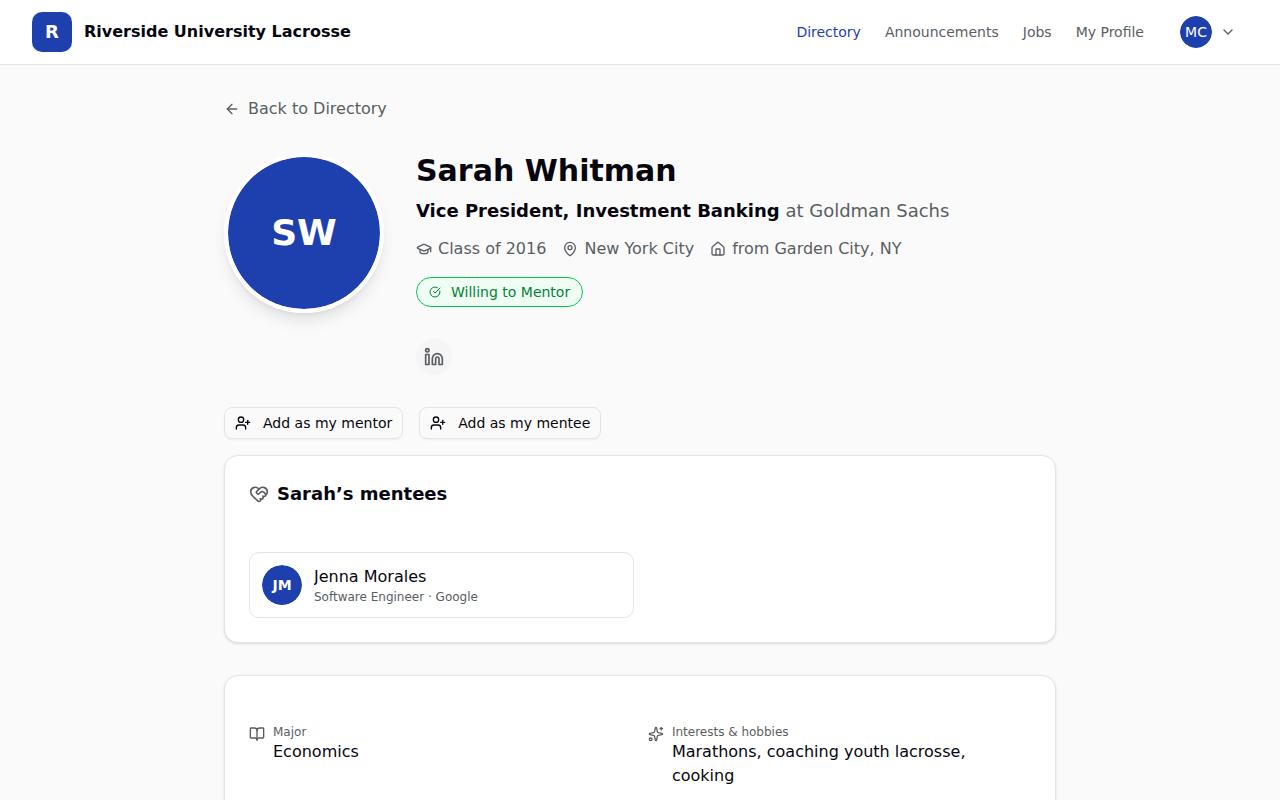
Open any member's profile and you will see two new buttons: Add as my mentor and Add as my mentee.
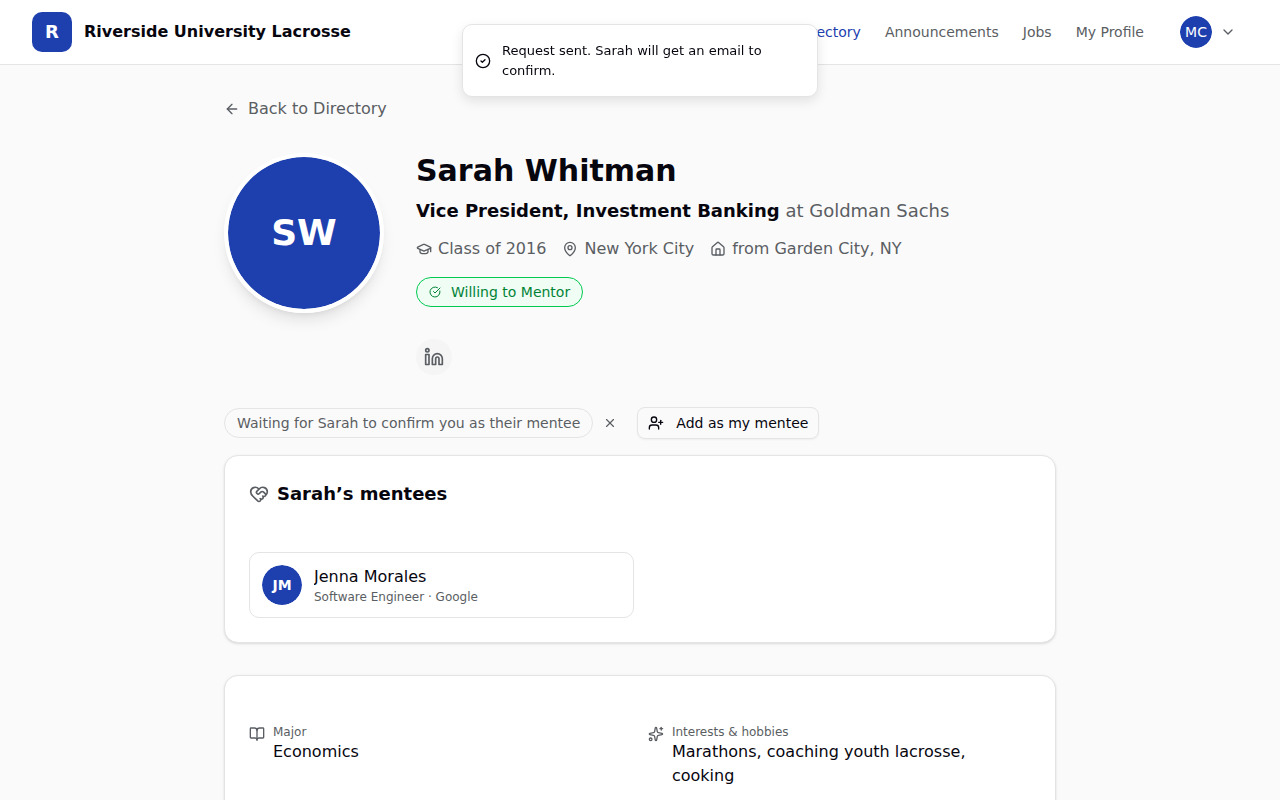
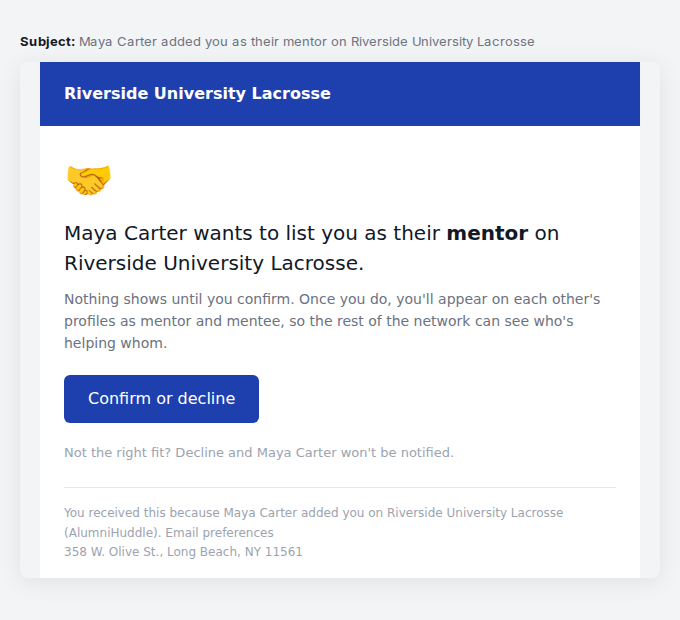
Pick one, and the other person gets a short email asking them to confirm. Nothing shows anywhere until they do. You can be listed as a mentor to several people and a mentee of several people at the same time, because that is how it actually works.
Once confirmed, the pair appears at the top of both profiles. A freshman looking at a mentor's profile sees who she is already helping. A coach looking at a player's profile sees who has that player's back.
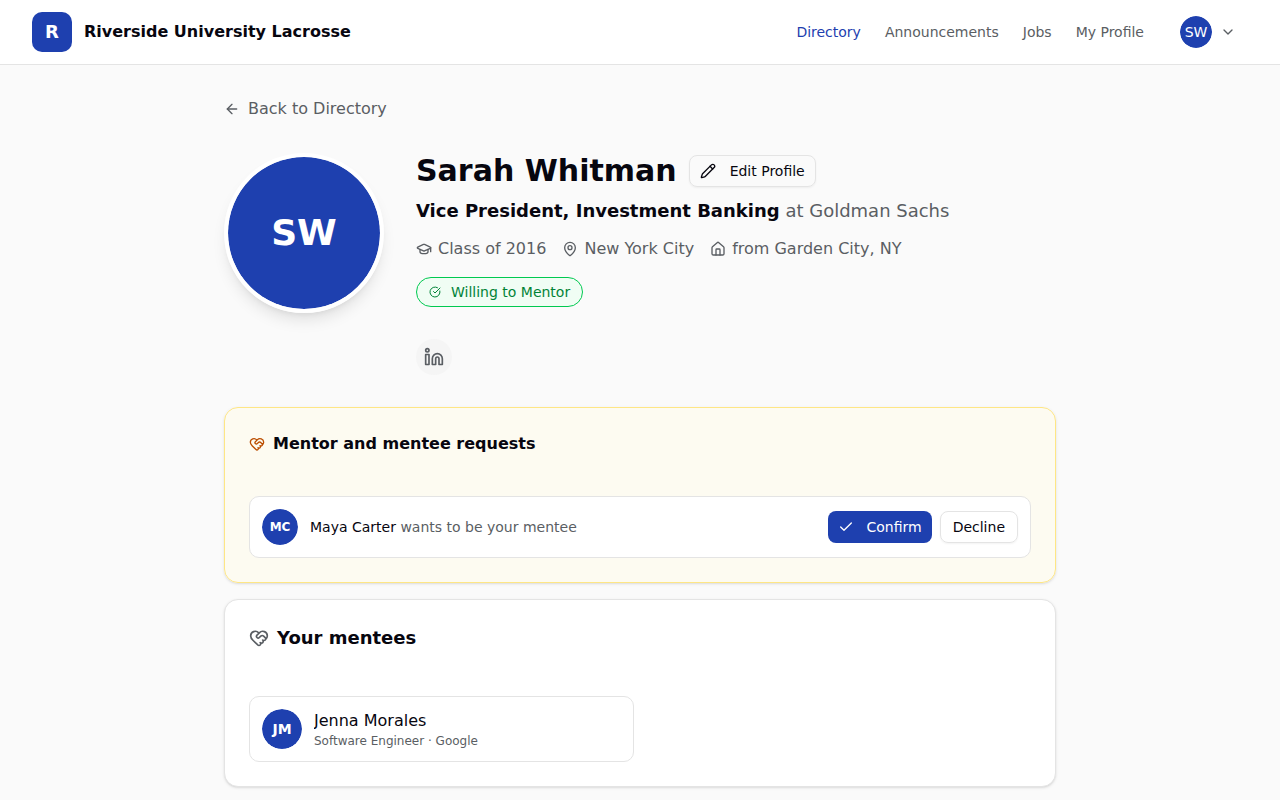
Here is the whole thing, start to finish, on a sample program:
For coaches
Your admin dashboard has a new Mentoring tab. It lists every pair, shows which requests are still waiting on an answer (they turn red after two weeks, so you know who to nudge), and counts the alumni who said they are willing to mentor but nobody has claimed yet. That last number is the one to act on. Point your players at it.
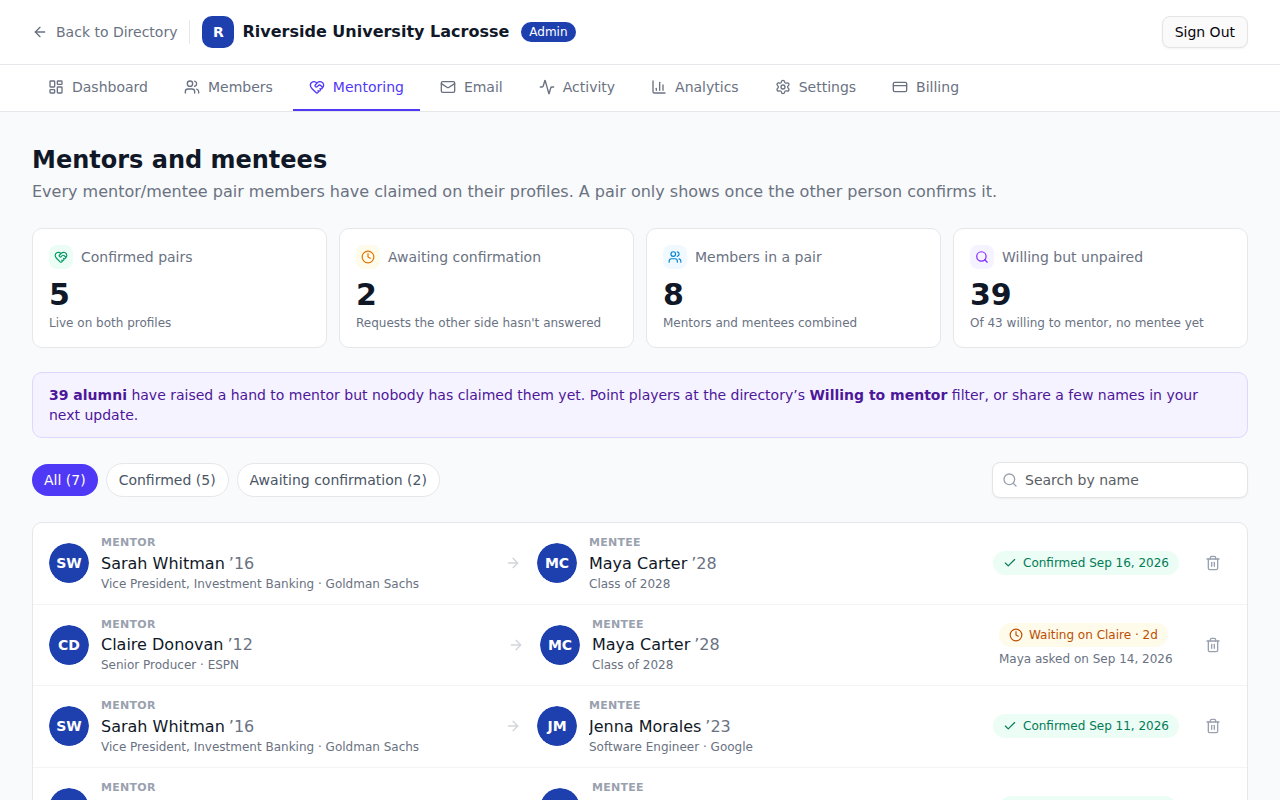
Confirmed pairs also show up in your monthly network report, next to visits and first sign-ins, so you can answer "is anyone actually mentoring?" with a number.
One thing to try this week
Ask your seniors to add the alum who helped them this year. Most of them have one. Ten confirmed pairs on the first day makes the network look like what it is: a team that helps each other, not a directory.
Not on AlumniHuddle yet?
Every update here ships to every program, at one price. Fifteen minutes is enough to see what it would look like for yours.
See pricing and book a demo →